₹
Inclusive of all taxes
Free delivery by
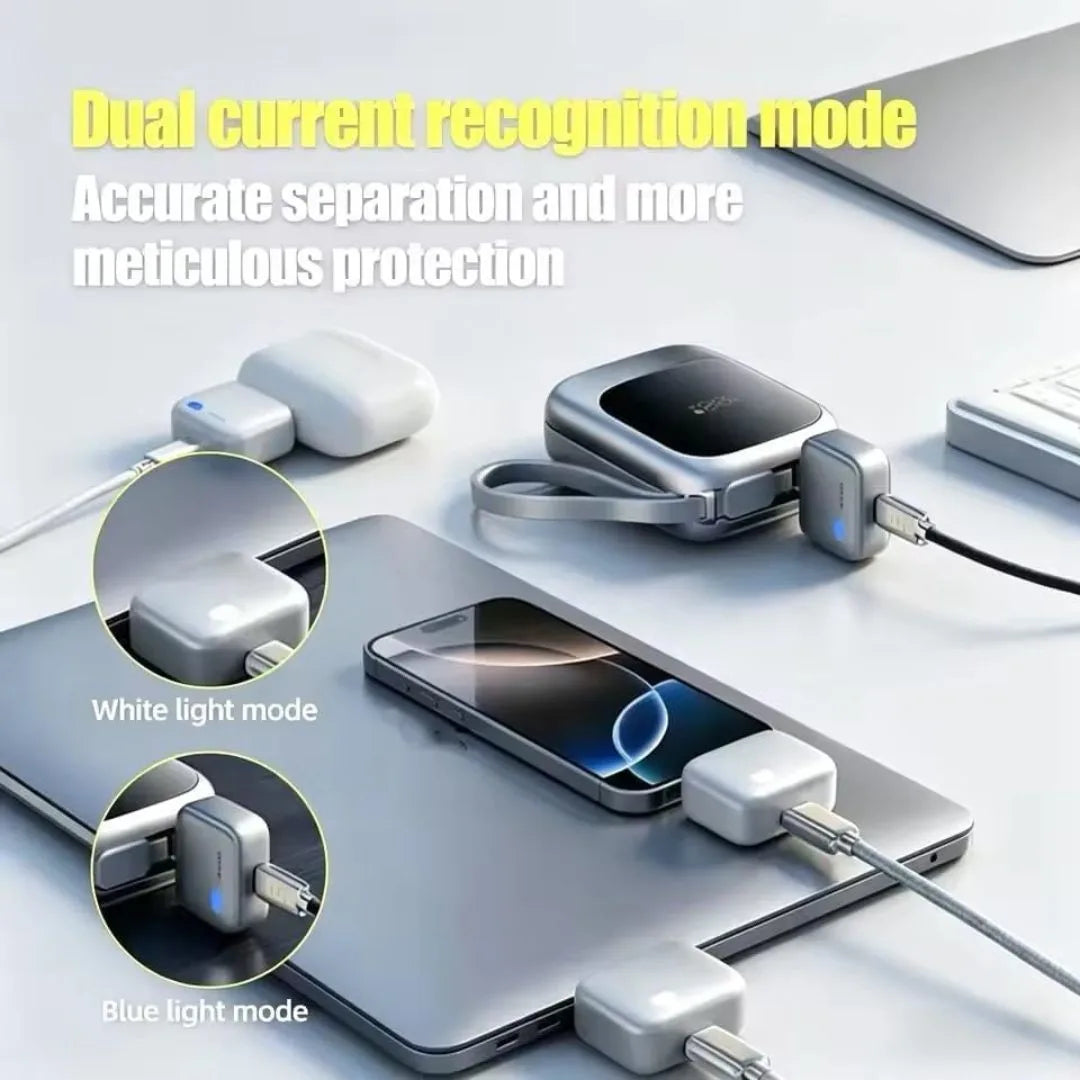
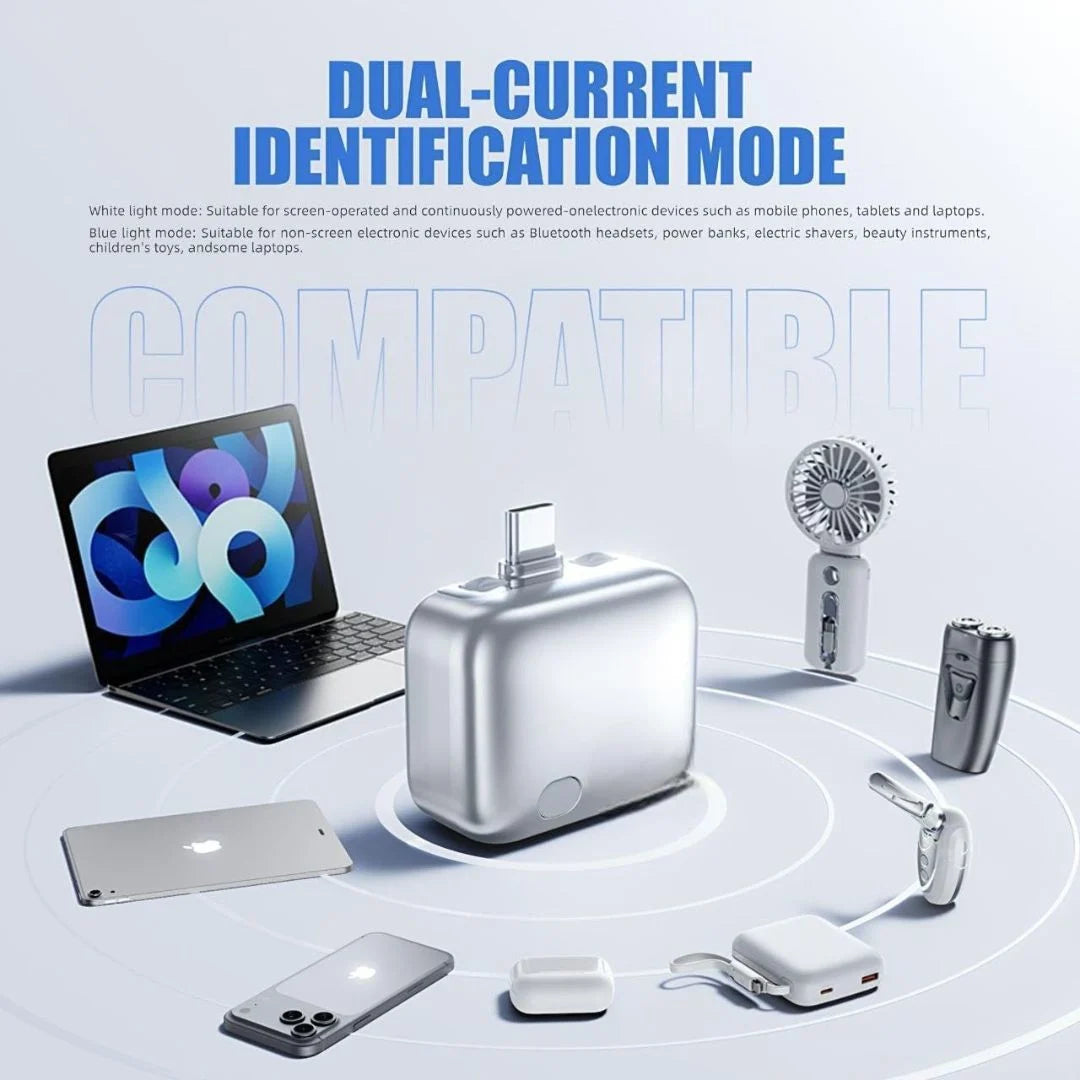
Smart Charging Guard
Charge Smart. Stop Overcharging Forever.
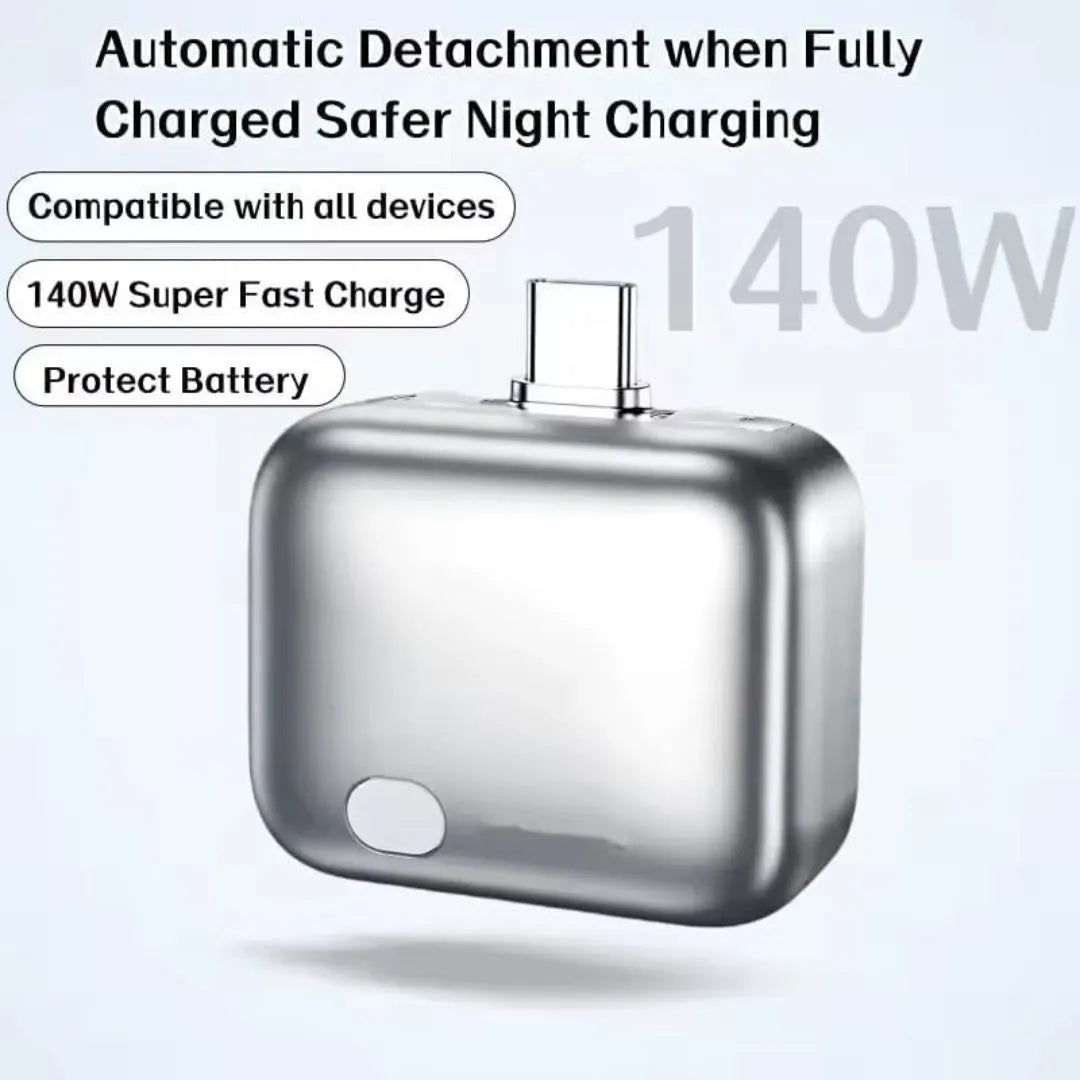
Auto-disconnects power when your phone hits 100% — protects battery health, prevents overheating, and saves electricity while you sleep.
🔋 Auto Power Cut
🛡️ Battery Protection
📱 All Android
🚚 Free Delivery
Why You Need This
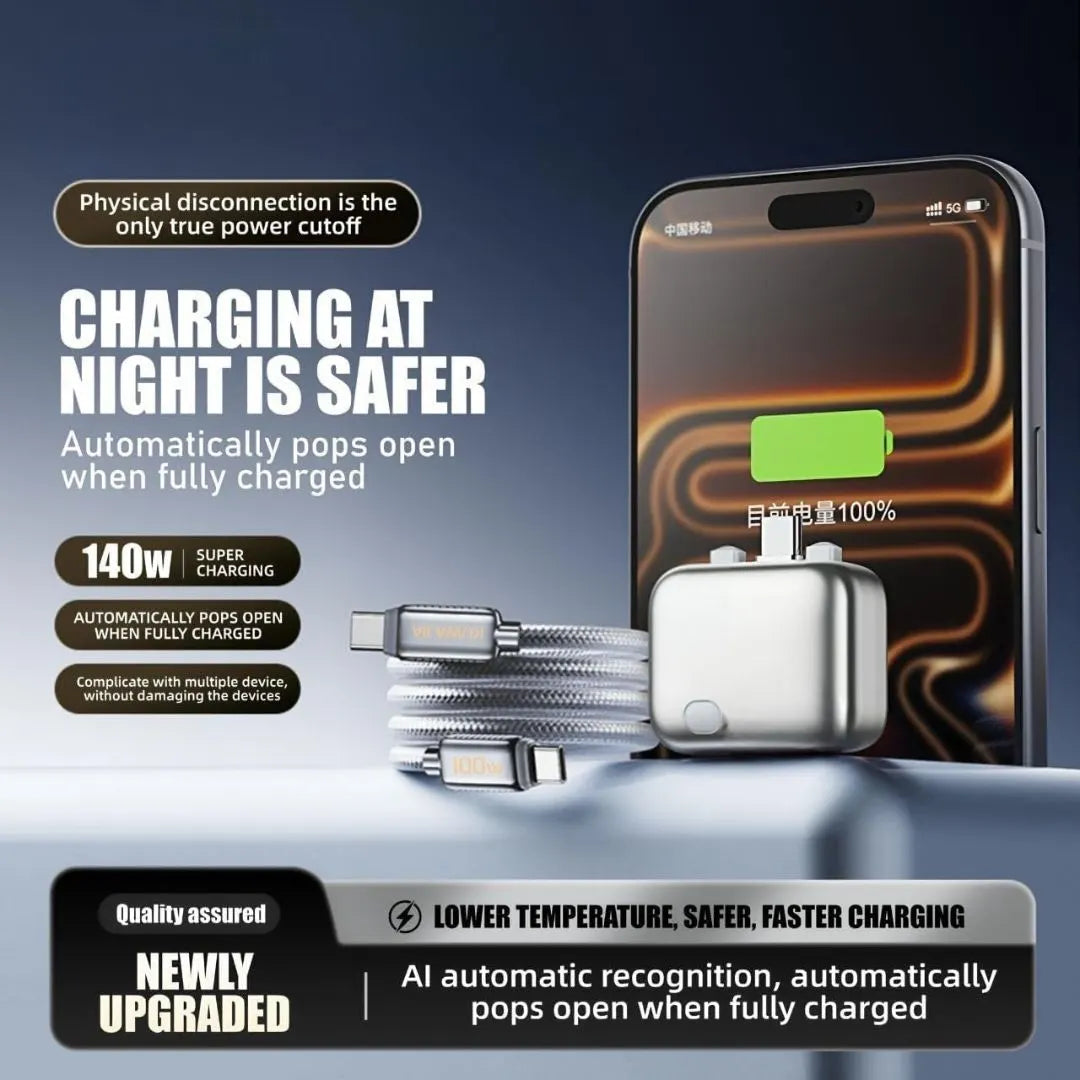
Overnight charging kills your battery slowly. This guard stops it automatically.
⚡Auto Power CutAutomatically disconnects charging when battery reaches 100% — no manual unplugging.
🔋Battery Life SaverPrevents overcharging that degrades battery capacity over time. Extends battery lifespan by months.
🌡️No OverheatingStops trickle charging that causes phones to heat up overnight — safer for you and your device.
📱Universal AndroidWorks with every Android phone — Samsung, Realme, Xiaomi, OnePlus, Vivo, Oppo, and more.
Perfect For
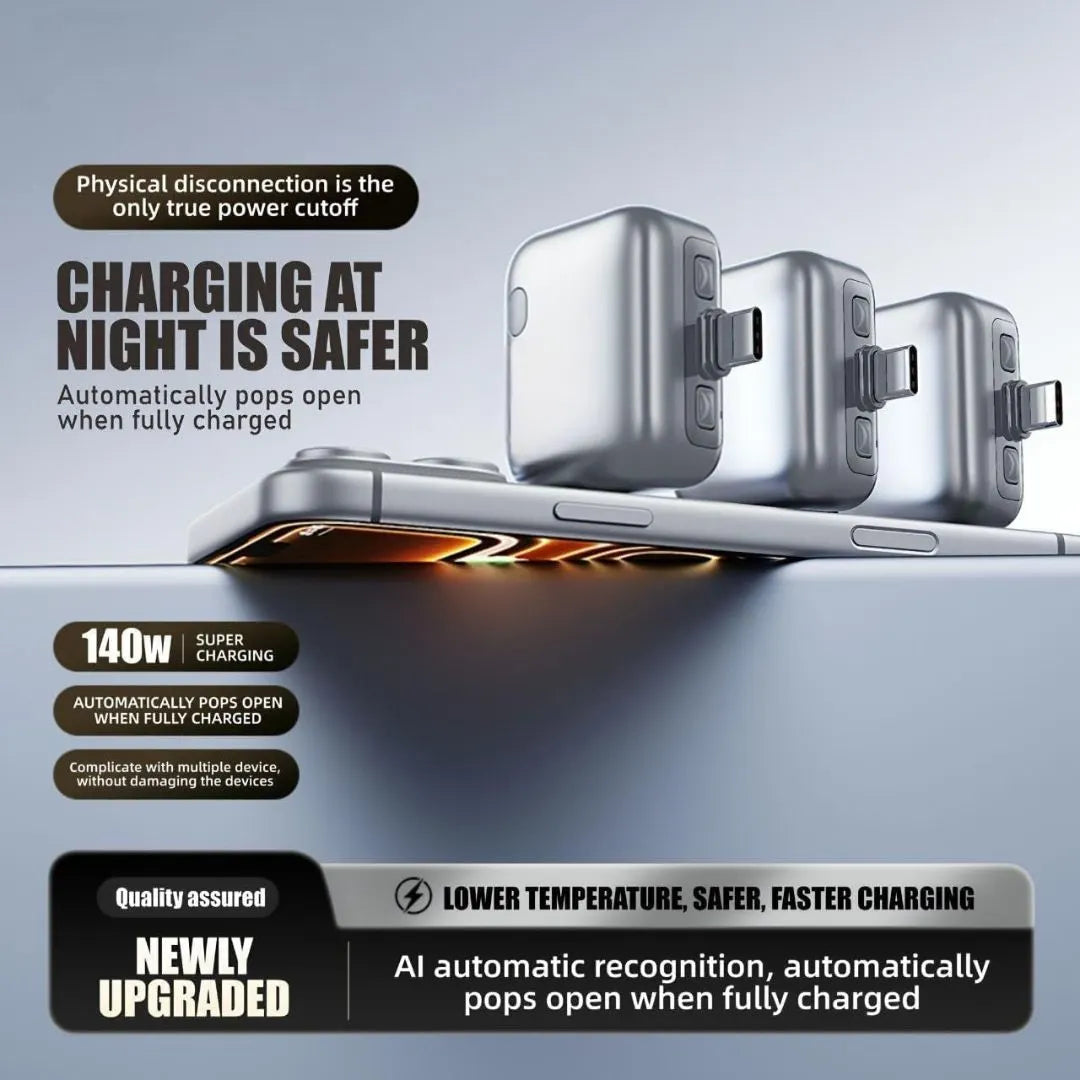
Anyone who charges their phone overnight — which is almost everyone.
🌙Overnight ChargingPlug in before bed. It auto-cuts at 100% so your phone isn't cooking all night.
🏢Office DeskCharge while you work without checking back — it handles the cutoff for you.
👴Parents & EldersGift it to family who forget to unplug — set it and forget it, zero effort.
🎮Gamers & Heavy UsersPreserve battery cycles. Stop swelling and degradation from constant charging.
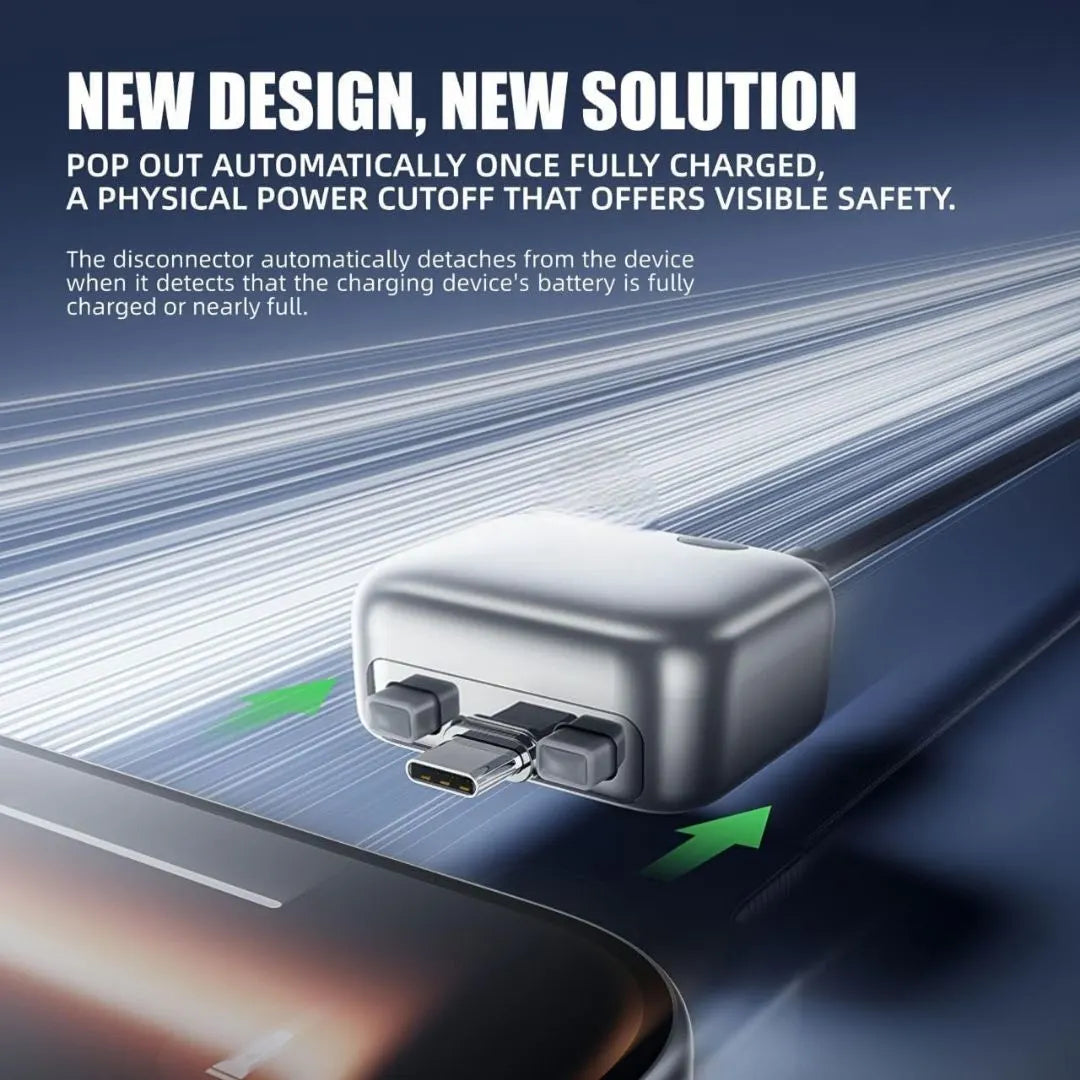
Your phone's battery loses up to 20% capacity in one year from overnight overcharging. This guard stops that damage tonight.
How to Use
No app. No setup. Just plug and protect.
1
Plug It InConnect the auto-disconnector between your charger and your phone's charging cable.
2
Charge NormallyUse your phone while it charges or plug in before bed — no behavior change needed.
3
Plug → Charge → Auto Cut → Battery Protected
Auto Cut at 100%When the battery hits full charge, power is automatically cut off. No trickle charge, no overheating, no damage.
This Guard vs Charging Without It
Here's what happens to your phone every night without protection.
| Factor | With Auto Guard | Without Guard |
|---|---|---|
| At 100% Battery | ✓ Auto power cut | ✗ Keeps trickle charging |
| Battery Heat | ✓ Stays cool overnight | ✗ Heats up for hours |
| Battery Lifespan | ✓ Protected, lasts longer | ✗ Degrades 15-20% per year |
| Electricity | ✓ Stops wasting power | ✗ Draws power all night |
| Safety | ✓ No overcharge risk | ✗ Potential swelling/damage |
| Effort Required | ✓ Zero — fully automatic | ✗ Manual unplug needed |
Stop Killing Your Battery Tonight
Free delivery. COD available. 7-day easy returns. Extra 15% off on prepaid orders.
🔌 Add to Cart
Frequently Asked Questions
Does it work with all Android phones?+
Yes — it works with every Android phone including Samsung, Xiaomi, Realme, OnePlus, Vivo, Oppo, Motorola, and more. It connects between your charger and cable, so no compatibility issues.
Will it slow down my charging speed?+
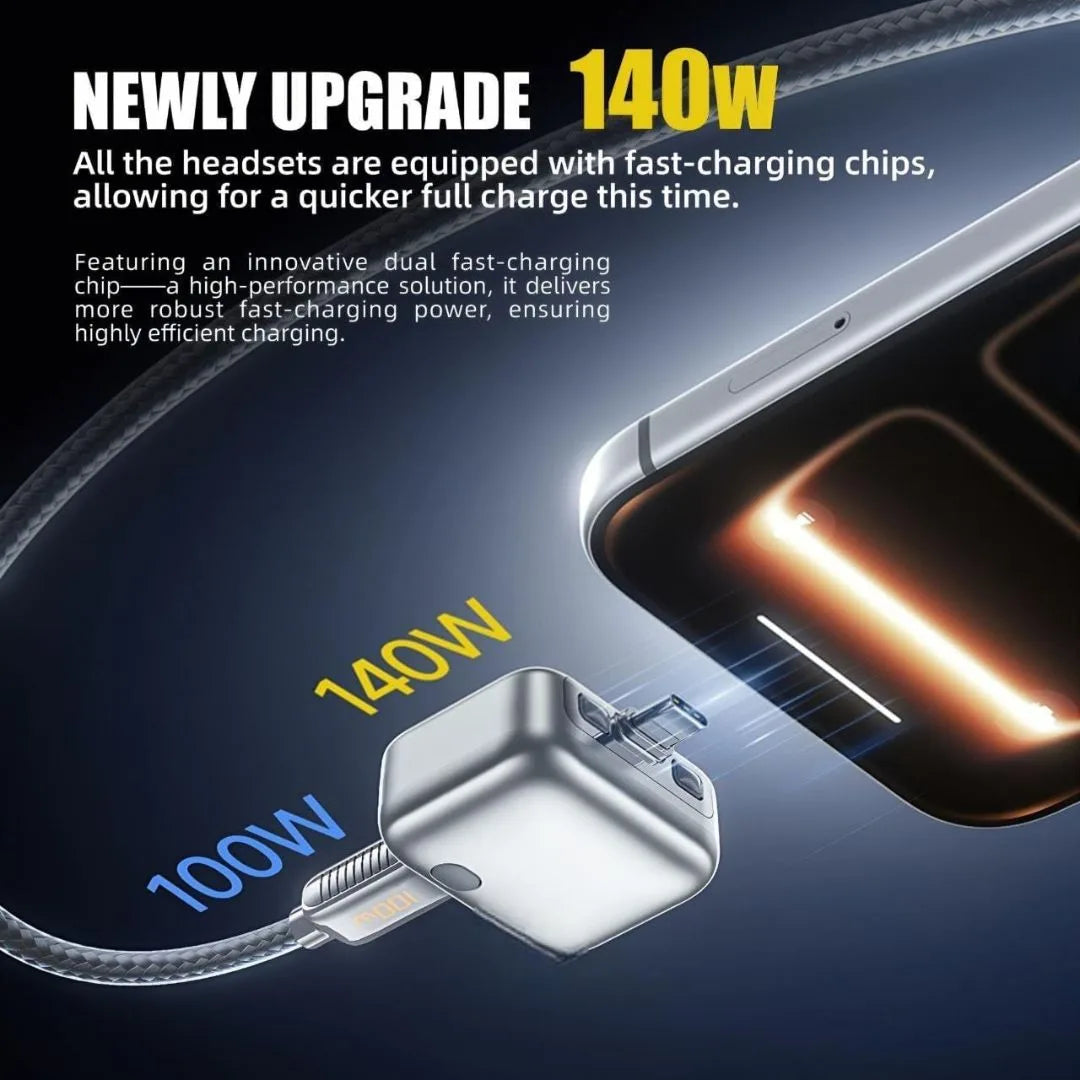
No. It passes through your charger's full power during charging. It only activates the auto-cut feature when the battery reaches 100%, so your normal charging speed stays the same.
Is it safe to leave plugged in overnight?+
That's exactly what it's designed for. Once the battery hits 100%, it cuts power completely — no trickle charging, no heat buildup, no risk. It's safer than charging without it.
Do I need an app or Bluetooth setup?+
No app, no Bluetooth, no Wi-Fi, no setup at all. Just plug the guard between your charger and cable. It works automatically using built-in smart circuitry — truly plug and protect.
How does it know when the battery is full?+
The guard monitors the current flow through the charging cable. When the battery reaches full charge, the current drops to near-zero — the guard detects this change and automatically cuts the power supply.